













Follow these steps to connect your Phoenix (Reign) account to Chargeblast
- Navigate to the Phoenix Integrations tab on Chargeblast here
- Enter your Store ID and click the arrow button to add
- Click Activate, then click Save Changes
How to get your Store ID:
- Log in to your Reign dashboard
- Navigate to Stores and select the store you want to connect
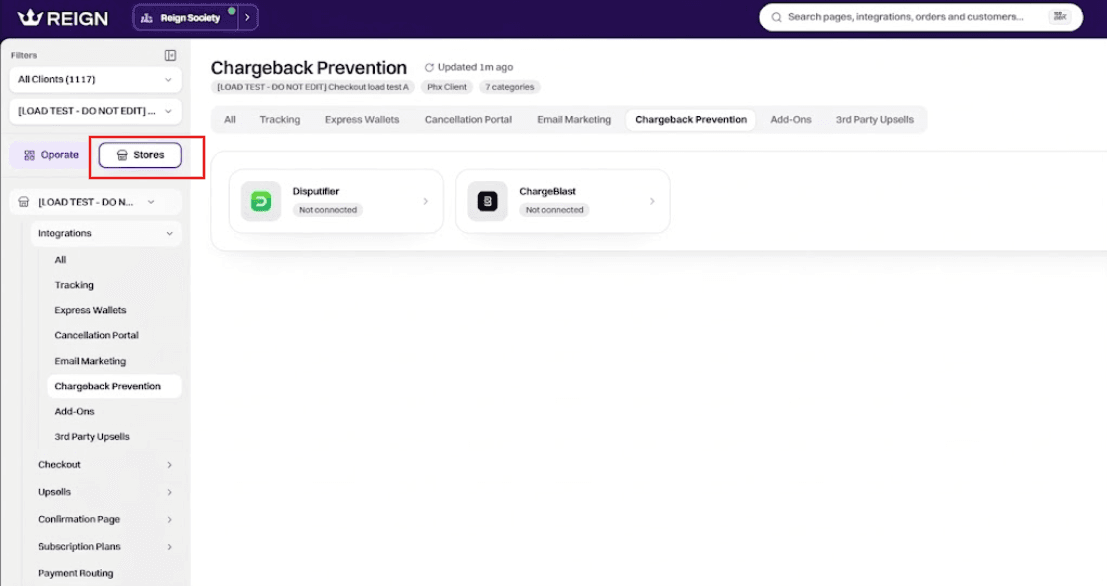
- Go to Integrations > Chargeback Prevention
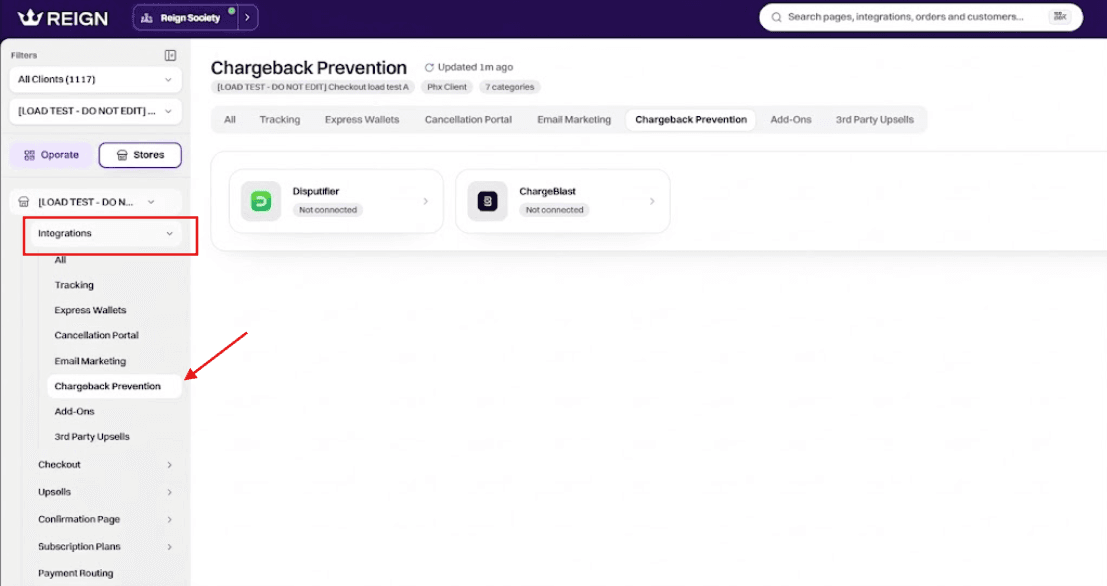
- Select Chargeblast and enable the integration
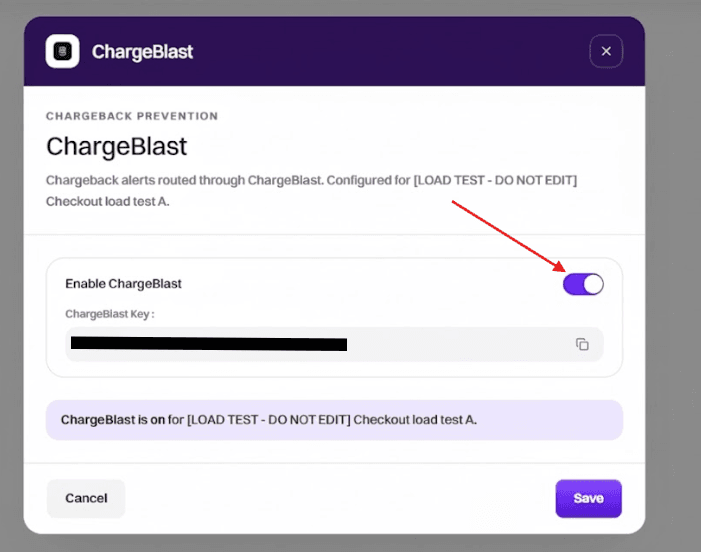
- Copy your Store ID, then click Save
Tags
reignphoenixintegration
Was this article helpful?
Help us improve our documentation