












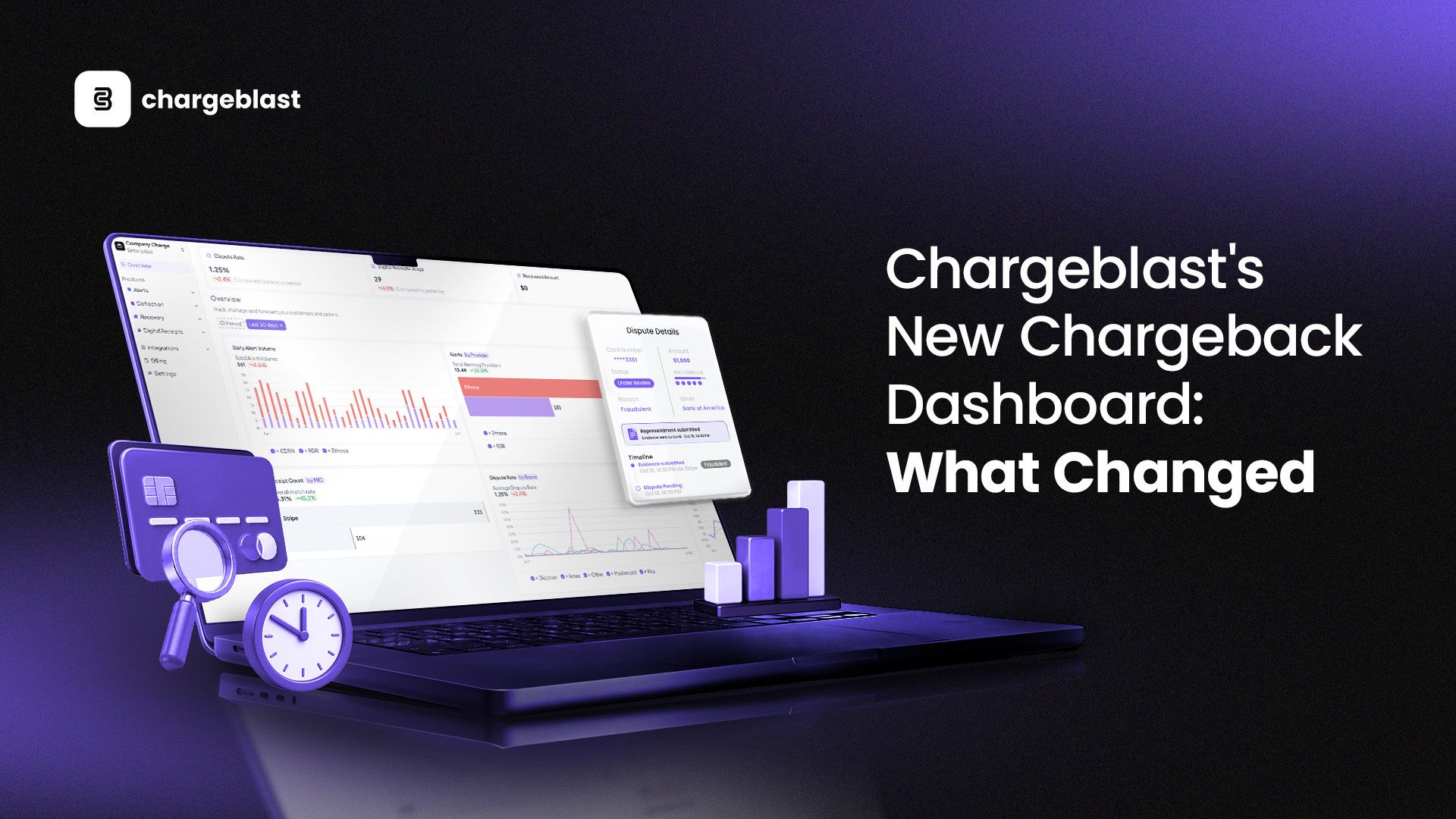
Most merchants find out about a what is a chargeback after it's already cost them. The refund's gone, the fee's hit, and now there's a mark against the account. By the time the alert shows up in an inbox, the window to actually do something about it has already started closing.
That's a chargeback visibility problem, not a chargeback problem. If you can't see your dispute patterns clearly, you can't get ahead of them. So we rebuilt the Chargeblast chargeback dashboard from the ground up to fix exactly that, and it's live now for every merchant on the platform.
Why We Rebuilt the Dashboard
What merchants told us they couldn't see
The old dashboard told you that disputes were happening. It didn't tell you why, where, or what to do next. Merchants kept asking the same questions on calls with our team: which card network is driving most of our disputes? Is our chargeback rate actually trending up, or is this just one bad week? Are we losing chargebacks because of weak evidence, or because we're not responding fast enough?
Those answers existed somewhere in the data the whole time. They just weren't surfaced anywhere a merchant could actually use day to day. Most teams were either guessing or pulling manual exports just to get a basic read on where they stood. That's not a reporting problem, it's a chargeback reporting problem, and it was one we knew we had to fix before adding anything else.
What we set out to fix
We didn't want another dashboard full of numbers that look impressive but don't change what you do next. A chart is only useful if it tells you what to do with it. So the goal was a single screen that answers "what's happening, why, and what should I do" without forcing anyone to export a spreadsheet first or ping support for a custom report.
That meant rethinking what gets shown by default, how it's grouped, and what a merchant should be able to act on the moment they log in instead of after digging for ten minutes. Better dispute tracking wasn't a nice-to-have. It was the whole point.
What's New: A Walkthrough of the Changes
One screen, three numbers that actually matter
Log in now and the first thing you see is a clean snapshot at the top: total alerts, dispute rate, and chargebacks won, each compared against last month. No digging required to know where you stand. If your dispute rate ticked up since last month, you see it the second you log in instead of finding out three weeks later when the bank notice arrives in your processor account.
This sounds simple, but it solves a real problem. Before, a merchant had to know something was wrong before they'd think to go look for it. Now the dashboard tells you upfront. It's a small change that shifts you from reactive to informed before you've even clicked anything.
Dispute rate, broken down by card network
This is the change merchants asked for most. The new breakdown splits your dispute rate by Mastercard, Visa, Discover, and AMEX, so you can see exactly which network is contributing the most disputes instead of treating "dispute rate" as one blended number that hides the real story. If Mastercard disputes are climbing while Visa stays flat, that's a different problem with a different fix, and now you can actually tell the difference and adjust your approach instead of treating every dispute the same way.
Pair that with daily chargeback alerts volume split across Ethoca, RDR, and CDRN, and you get a much clearer read on where your alerts are actually coming from and which network is doing the most work for you. Over time, that breakdown tells you a lot about where to focus your prevention spend.
Digital receipt usage, tracked alongside disputes
Chargeblast's Digital Receipts feature gives customers a clear, itemized record of every purchase, which directly cuts down on "I don't recognize this charge" disputes. The new dashboard now shows Total Digital Receipt Performance right alongside your dispute data, so you can see how many receipts are succeeding and how many are failing at a glance. When you pair that against your dispute rate trend, you start seeing the connection between receipt delivery and the disputes that follow when it breaks down. If your digital receipt success rate drops one week and your dispute rate climbs the week after, that's not a coincidence, and now it's something you can actually see.
Chargeback status and recent alerts, all in one place
The new Chargeback Statuses widget tracks every dispute through its full lifecycle, from under review to needs response to lost or won, so you're not piecing that together from separate emails or a support thread. You get one clean view of where every open dispute actually stands, and how many are sitting in each stage right now.
Below it, the Recent Alerts table lists every alert with the provider, card, amount, alert date, alert type, and current status. You can search or filter it directly instead of scrolling through a long list looking for one transaction. When you're trying to track down a specific case before a response deadline closes, that speed matters more than it sounds.
What You Can Do Now That You Couldn't Before
The best way to describe what changed is this: chargeback analytics that used to require a manual export or a custom report request are now just there when you log in.
You can now spot which card network is generating the most disputes before it becomes a recurring chargeback prevention problem instead of a cost you only notice at the end of the month. You can track exactly how many disputes are sitting in "needs response" right now instead of finding out a deadline passed after the fact.
You can see whether your digital receipt delivery is holding up, and whether a drop in delivery is showing up in your dispute numbers a few days later. And when it comes to outcomes, you can see your win rate trend over time and tie it directly back to how your evidence is performing through Chargeblast Recovery, instead of treating wins and losses as one-off events with no pattern behind them.
None of this requires exporting a CSV or asking your team to pull a report. It's just there when you log in, updated and ready to act on.
See It in Your Account
The new dashboard is live now for every Chargeblast merchant, no setup required. Log in to see your own numbers laid out the way they should've been from the start, or if you're not on Chargeblast yet, request a demo and we'll walk you through it using real data instead of a slide deck.